Cue · Teleprompter
A focused teleprompter for your next take.
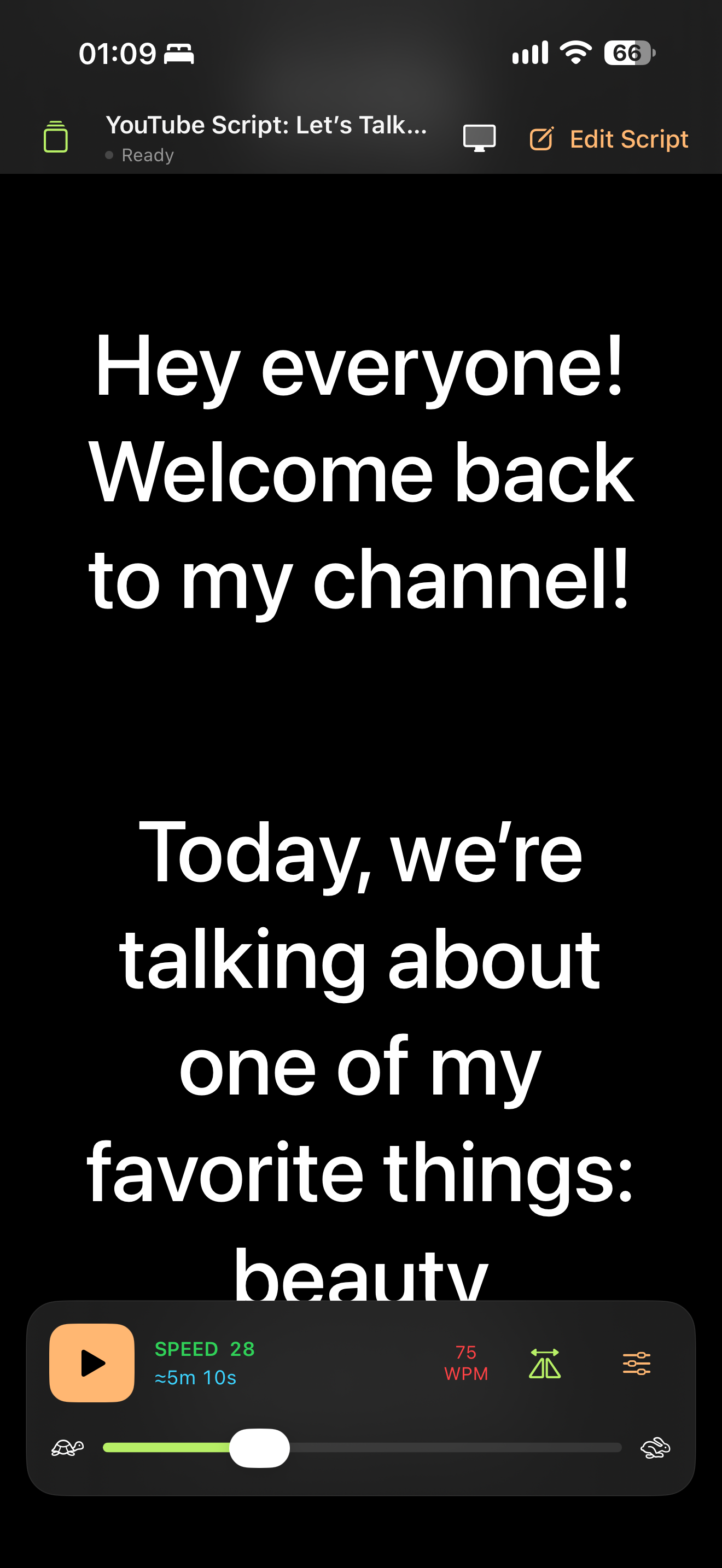
Create a script, adjust the display to match your setup, and scroll at your own pace—or let Voice Follow keep your place as you speak.
Free to use. Cue Pro is €1.99, one time.
Write it.
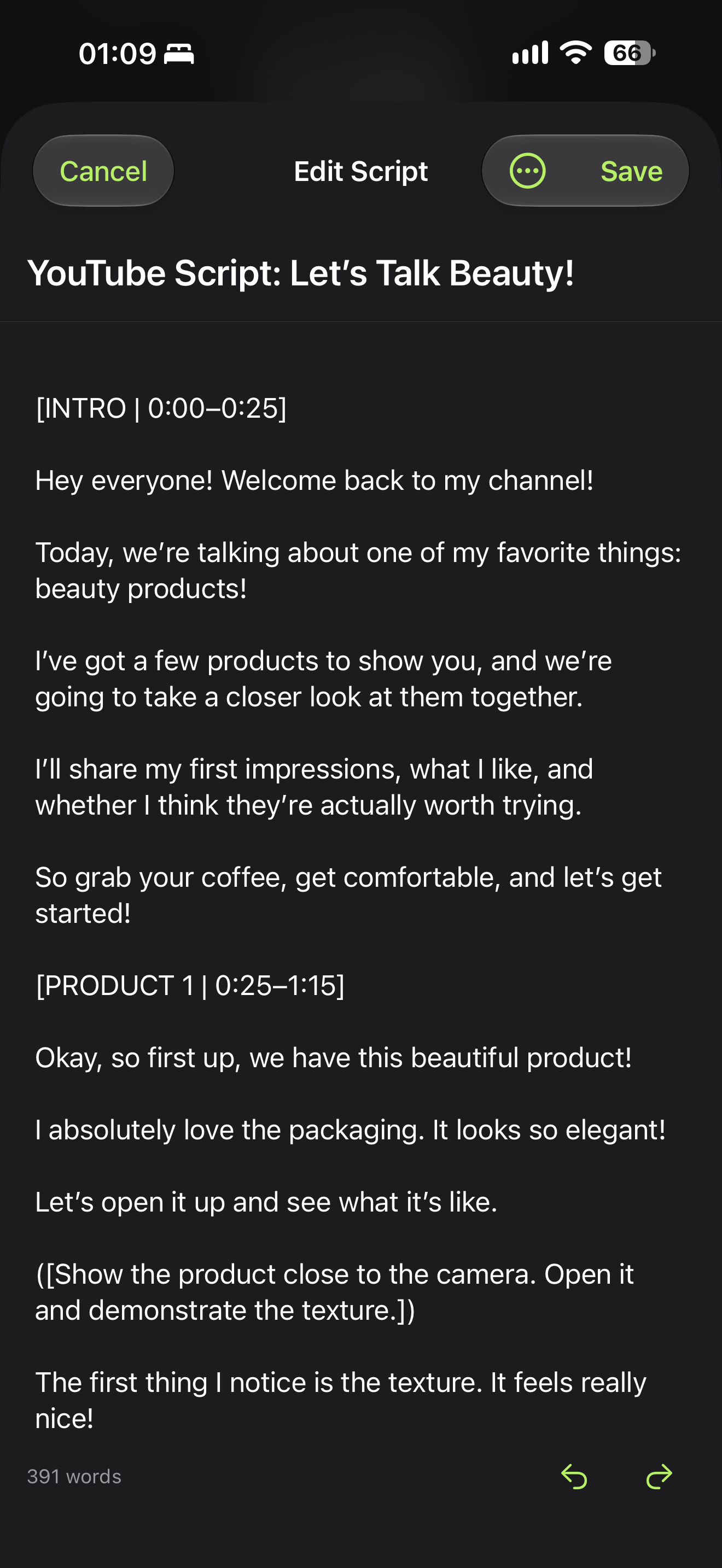
Create unlimited scripts, edit titles and text, and keep everything saved on your device.
Set it up.
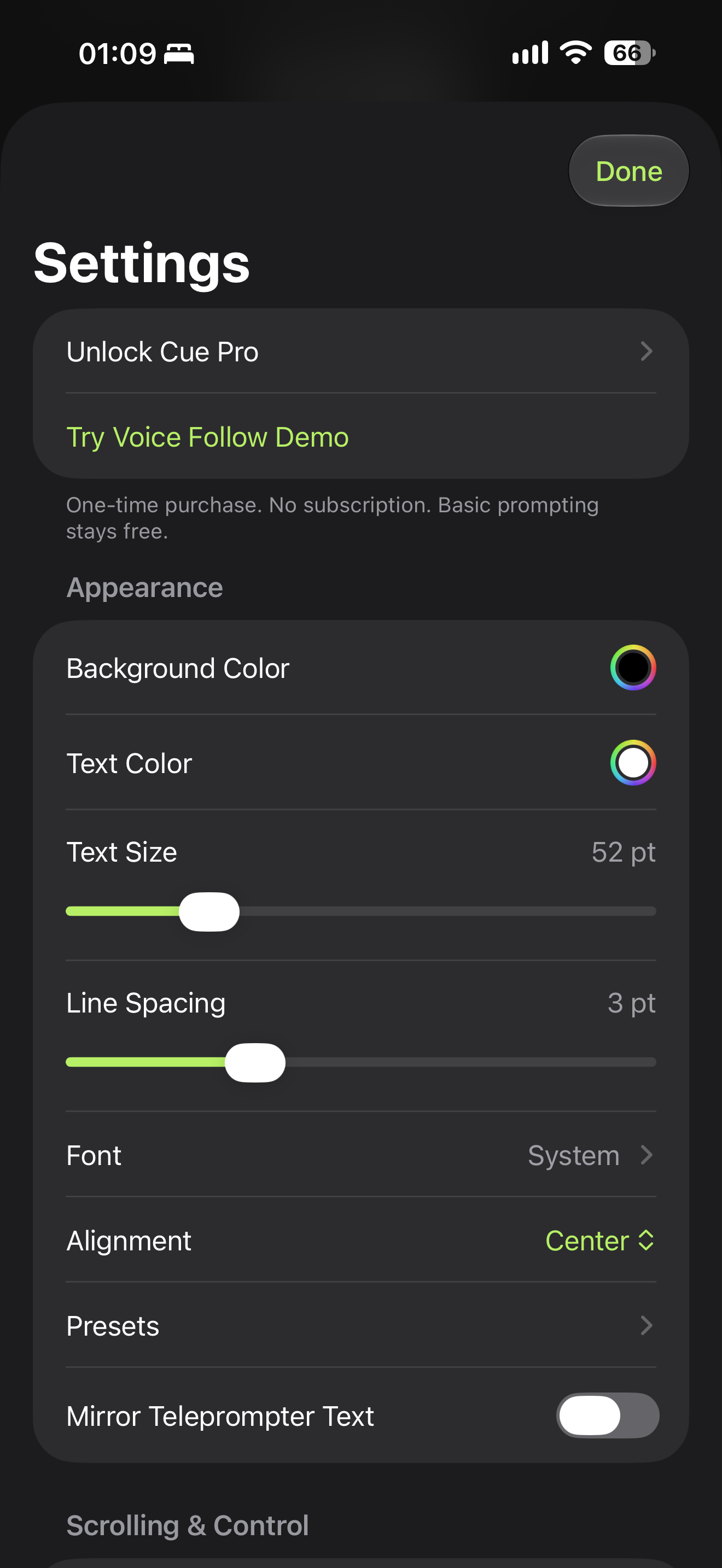
Adjust the display to match your setup: text size, colors, fonts, spacing, even mirrored text for teleprompter glass.
Deliver it.
Scroll at your own pace—or let Voice Follow keep your place as you speak.
Script library
Every script, right where you left it.
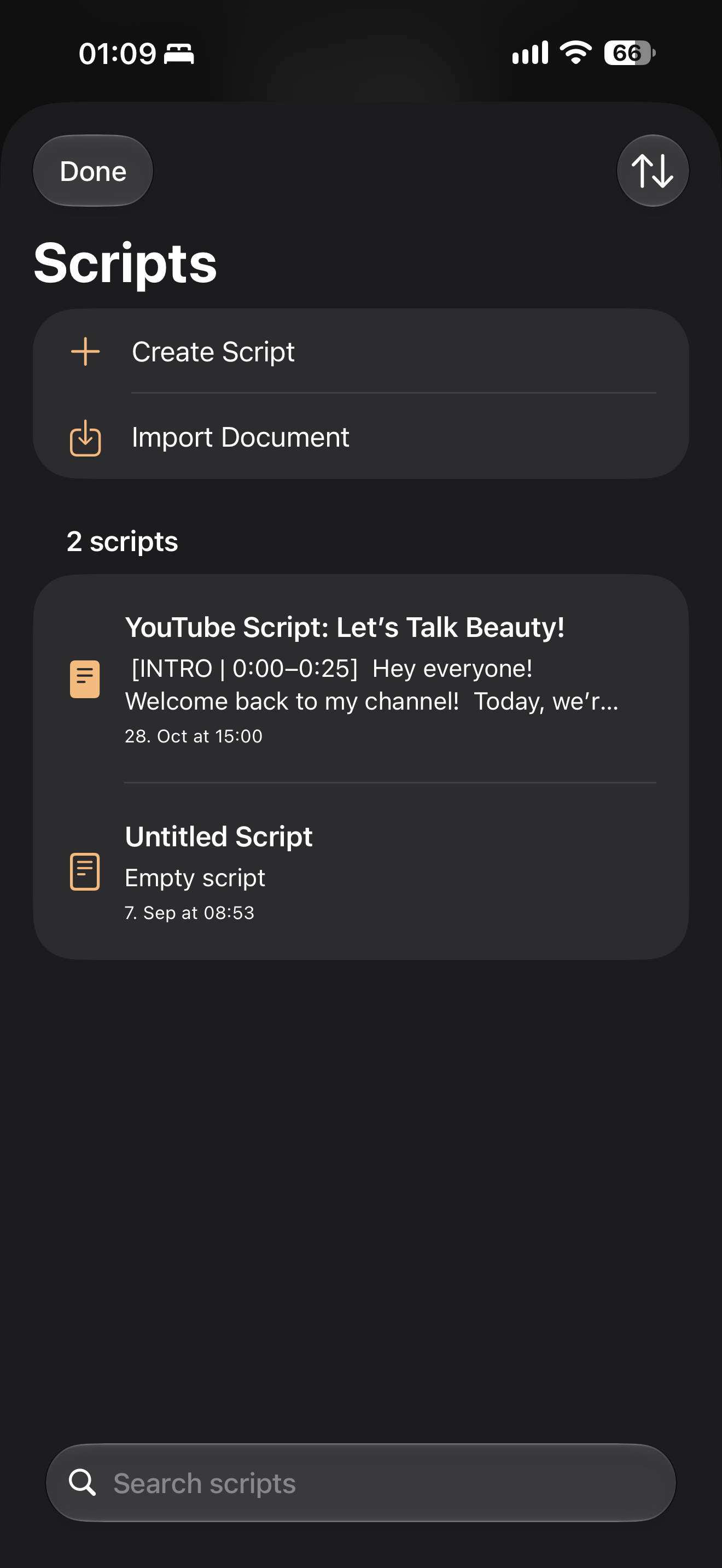
Create as many scripts as you need. Cue saves them locally and remembers your reading position, so you can pick up mid-page.
- Search and sort by title, creation date, or modification date.
- Rename, duplicate, and delete from your library.
- Edit with confidence. Undo and redo, copy and paste, and protection for unsaved edits.
- Stored on your device. No account, no sync server.
Flexible scrolling
Scroll at your own pace.
Set the speed, press play, and Cue does the rest. Grab the script whenever you want to take over.
- Play, pause, restart. Jump to the beginning or end, or step forward and backward.
- Time and pace. See remaining reading time and estimated words per minute.
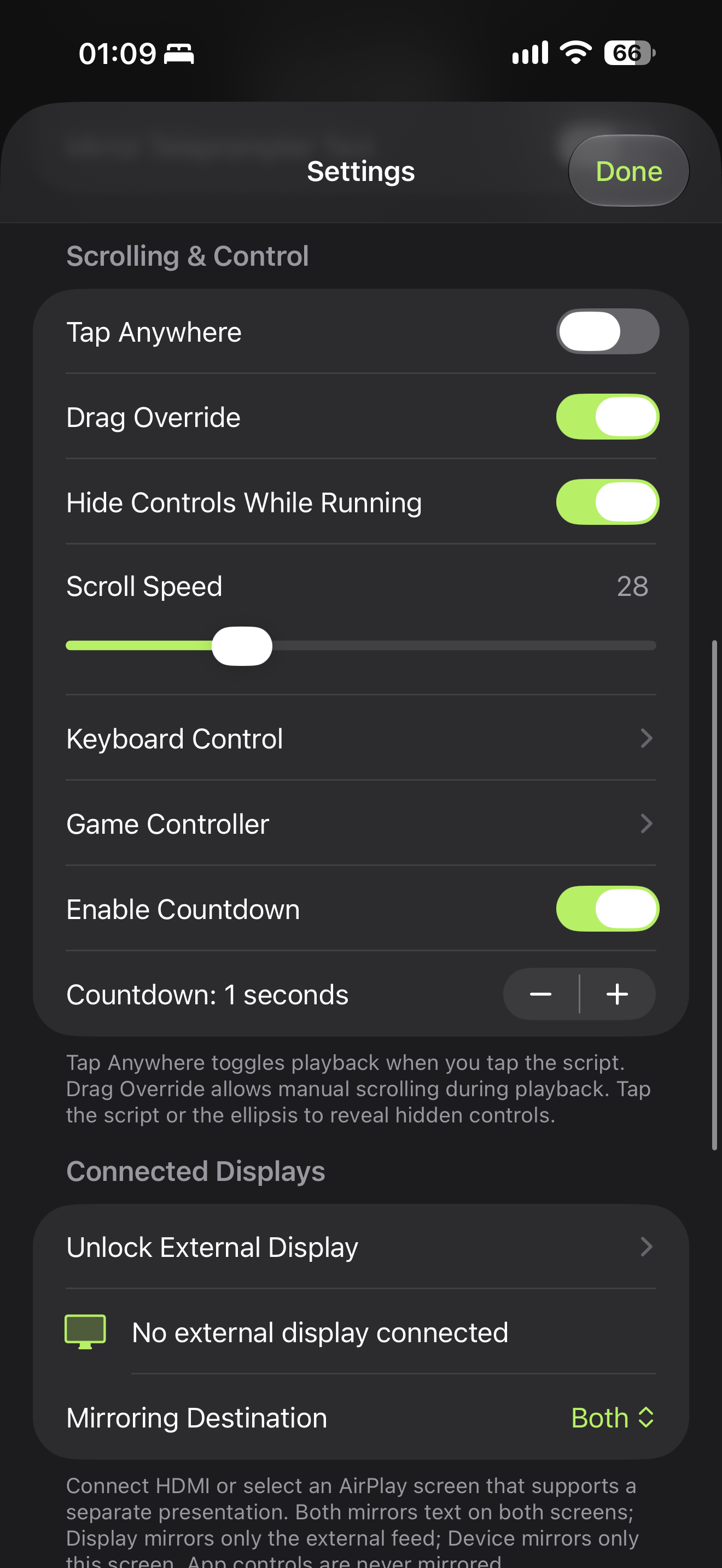
- Countdown. An optional countdown before playback begins.
- Tap anywhere on the script to toggle playback.
- Drag override. Scroll by hand during playback when you want to.
- Clean view. Hide the controls while you read.
Customize the reading experience
Make it read the way you speak.
Adjust the display to match your setup, in a dark, high-contrast reading environment.
- Type. Text size, line spacing, and multiple fonts.
- Color. Choose your own text and background colors.
- Alignment. Left, center, right, or formatted.
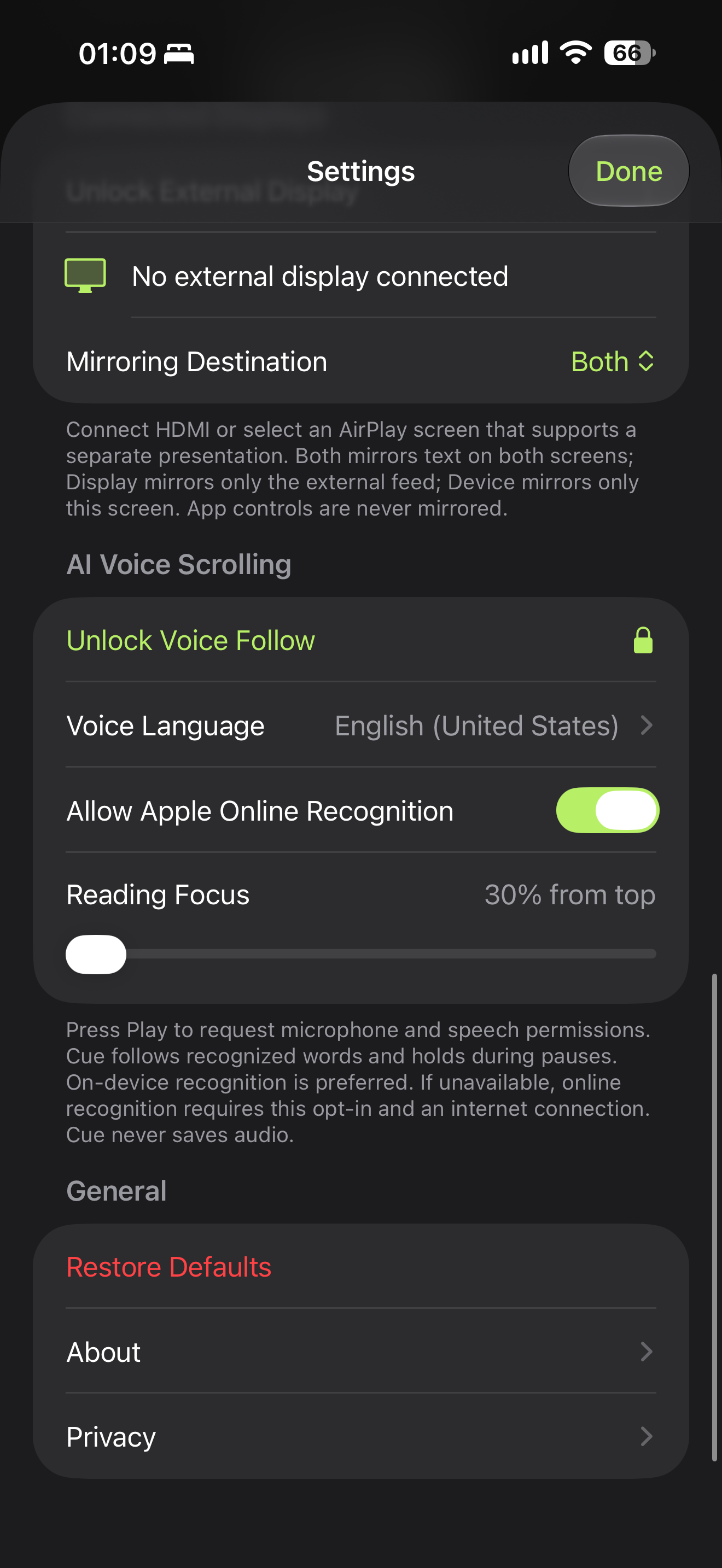
- Reading focus. Set where on the screen your eyes land.
- Mirror. Flip the text for beam-splitter or teleprompter glass, on the device, an external display, or both.
Voice Follow
Speak. Cue keeps your place.
Voice Follow listens to your speech and advances the script as you read. No tapping, no racing the scroll.
- Handles pauses naturally, and holds while you think.
- Forgiving. Tolerates skipped or repeated words and recovers after small recognition errors.
- Multilingual text matching, with supported languages and offline models shown on your device.
- On-device first. Online recognition is used only after you approve it.
Cue does not save microphone recordings or create a permanent transcript history. Try Voice Follow free with an English sample script; Cue Pro unlocks it for your own scripts.
Import documents
Bring your script as it is.
Imported documents become editable scripts in your library.
.txt
Plain text
.md
Markdown
PDF with selectable text
.docx
Word documents
Scanned, image-only PDFs need OCR before import.
Cue Pro
Go further. Pay once.
A one-time €1.99 unlocks everything below. No subscription.
External display
A clean script feed on a compatible external display, with playback information and none of the app controls.
HDMI and USB-C video displays · AirPlay presentation displays on supported iOS devices · Android presentation displays · wireless displays exposed by the operating system
Keyboard and controller
Control playback without touching the screen. Space toggles playback, arrow keys move through the script.
Custom keys and modifier combinations · Bluetooth remotes · game controllers · reset bindings to defaults
Appearance presets
Save and reuse your reading setups: large text, high contrast, compact text, presentation mode, or your own mix of colors, fonts, alignment, spacing and mirroring.
Apply · rename · duplicate · reorder · delete
Voice Follow, in your language
Voice Follow for your own scripts, with supported speech languages and offline language downloads.
No separate charge for individual languages.
Free to start. €1.99 to unlock it all.
One-time purchase. No subscription. Basic prompting stays free.
Free
€0
- Unlimited scripts
- Script editing and local saving
- Manual and automatic scrolling
- Text size, colors, fonts, spacing and alignment
- Countdown and remaining-time display
- Mirrored text
- Copy and paste, TXT import
- English Voice Follow sample
Cue Pro
€1.99 one time
- Everything in Free
- Voice Follow for your own scripts
- Speech languages and offline downloads
- PDF, DOCX, and Markdown import
- External display clean feed
- Keyboard and game-controller controls
- Saved appearance presets
Designed for privacy
Your script stays yours.
No account
No Cue account is required. Open the app and start writing.
Stored on your device
Scripts and settings are stored locally. Cue does not operate a server for your script library.
No ads, no analytics
Cue has no built-in advertising or analytics.
Microphone, only when needed
Access is requested only when Voice Follow starts.
On-device recognition first
Online recognition requires your permission.
No recordings
Cue does not save microphone recordings.
Prepare less. Deliver better.
Create your next script in Cue and keep your eyes where they belong—on your audience.
Native apps for iPhone and iPad, and for Android phones and tablets. Script libraries don’t sync between iOS and Android; import your original script files on each platform.